 Billit
Complete the Know Your Customer Procedure
Billit's "Know Your Customer" (KYC) process involves verifying user and customer identities, especially for e-invoicing through networks like Peppol, to comply with regulations and prevent fraud, using methods like itsme (in Belgium) or eID, and collecting essential customer data (like VAT/CBE numbers) for proper invoicing and legal compliance. It ensures you can legally send e-invoices, particularly internationally, by confirming your business identity through secure digital means.
If no KYC procedure has been performed, no documents can be sent or received via e-documents through the Billit interface.
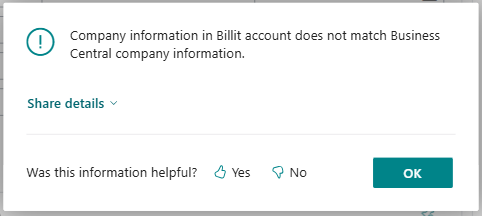
The KYC procedure cannot be initiated if the company details in BC do not match the company details in Billit.
Please check that the following information matches.
- VAT registration No. / Enterprise No.
- Name
- Address
- City
- Post Code
- Country/Region Code
If this information changes later, the KYC procedure must be performed again.
When you create a copy of your company, the KYC procedure must be performed again in the copy company.
Every month, the company information in Billit is compared with that in Business Central. If there's a difference, the KYC procedure is reactivated.
The KYC is not needed when you connect to a Billit sandbox environment.
To complete KYC
- Choose the
 icon, enter XPR365 Billit Connector Setup, and then choose the related link.
 - You will see a notification if the KYC procedure has not yet been completed.
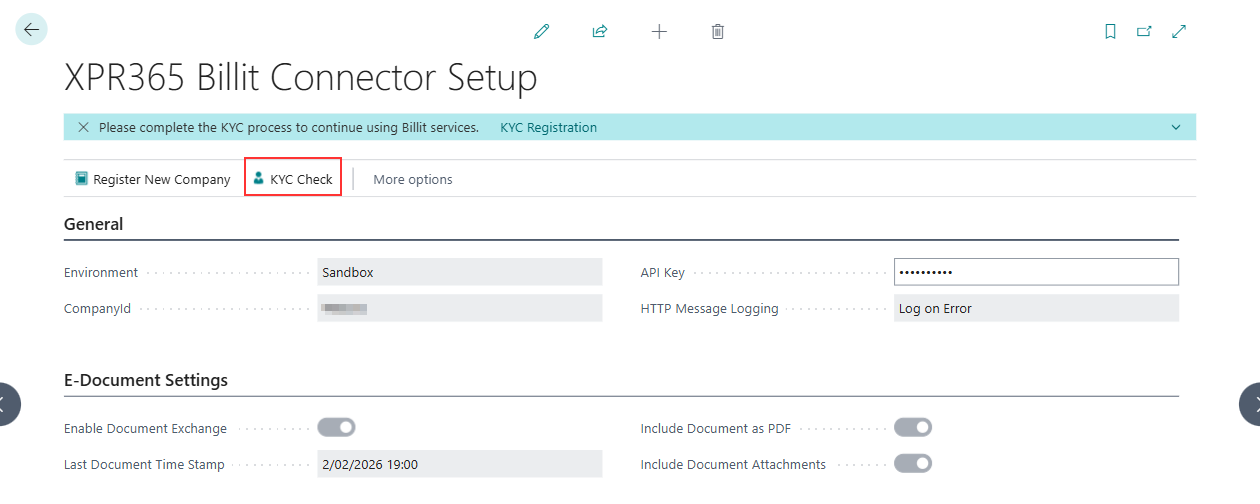
- Choose the KYC Registration or KYC Check action to complete the KYC procedure.
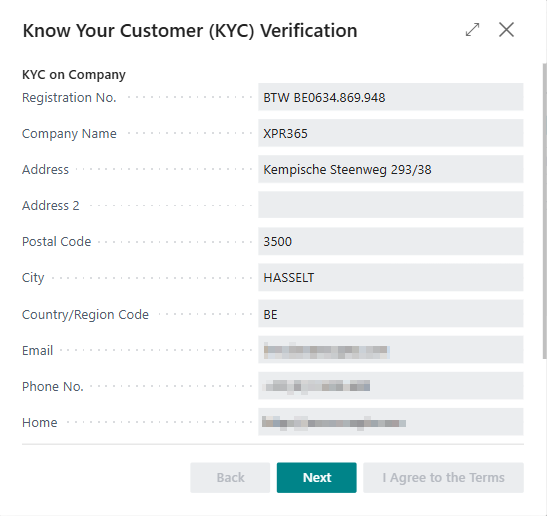
- The company details for which you start the KYC procedure are displayed. Choose Next.
- Read the KYC document. Scroll down to click Next.
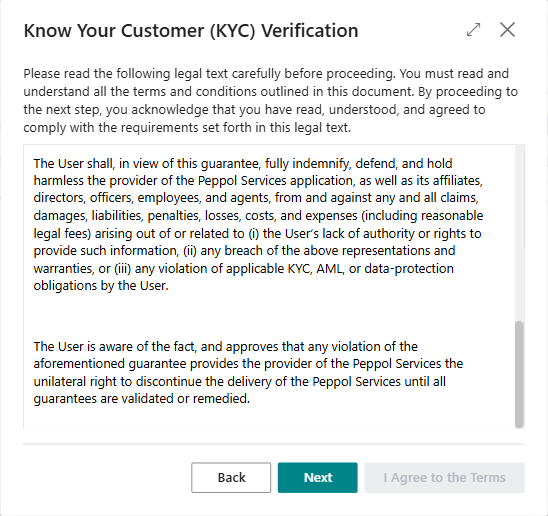
- The signer's details are displayed. Choose I Agree to the Terms.
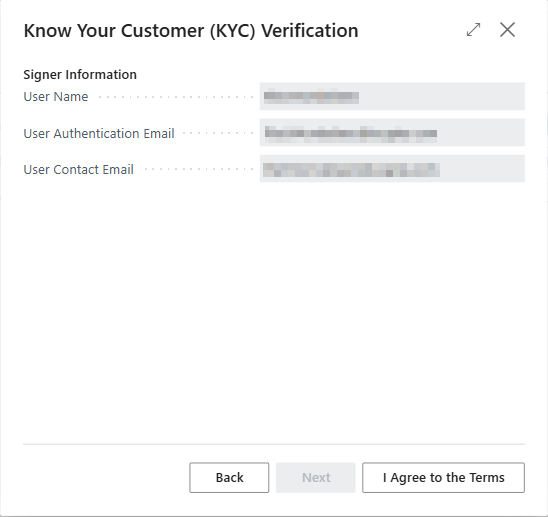
The process has been completed. An email will be sent from support@xpr365.com to the User Contact Email.
Note
If not all information is entered (correctly), a message will appear. Please complete the information and restart the process.
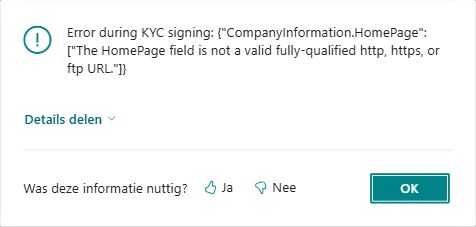
If the KYC procedure is not completed, you will receive an error message when processing documents.