 Onetrail
Import Onetrail Items
In the Onetrail portal, you specify which suppliers you want to import items or specific item categories from. Onetrail prepares files containing items and prices. Business Central imports these files into the following tables:
- Onetrail Items
- Onetrail Item Taxes
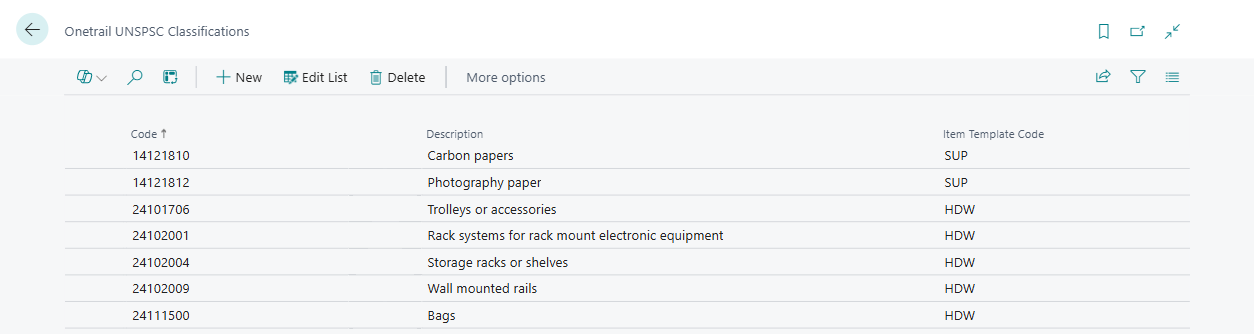
- Onetrail UNSPSC Classifications
To import Onetrail Items
Schedule the task to import the Onetrail files to run for example every night via a job queue entry.
| Task | Object |
|---|---|
| Onetrail Import Product Info | Codeunit 71145577 - SCA.ONE.ImportProductInfo |
The imported items can be found in Onetrail Items.
- Choose the
 icon, enter Onetrail Items, and then choose the related link.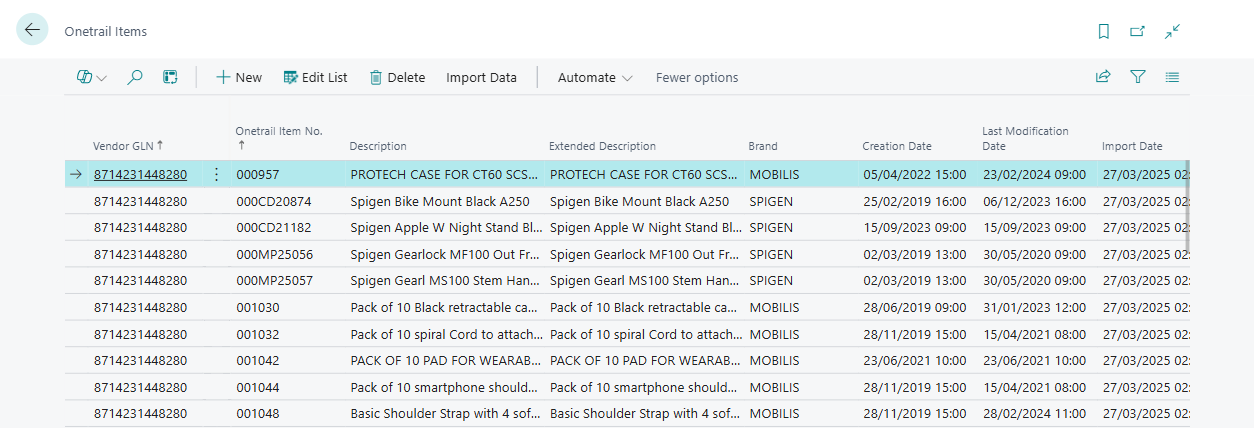
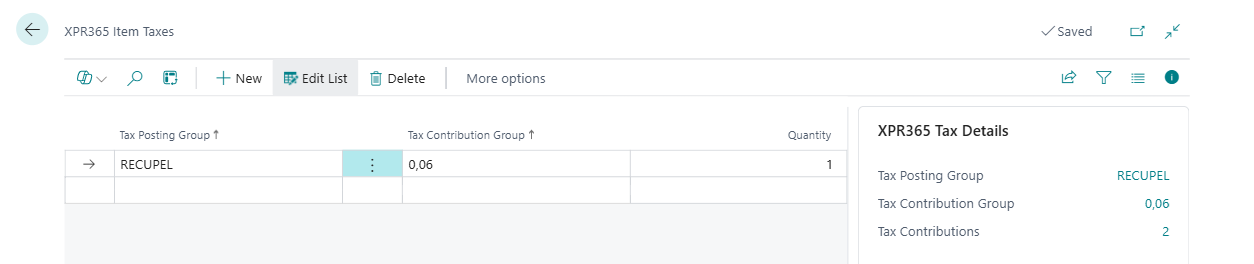
In addition to importing the Onetrail Items, the eco-taxes related to the Onetrail items imported.
- Choose the Item Taxes action in the Onetrail Items page to see the taxes related to the selected Onetrail item or choose the icon, enter Onetrail Taxes, and then choose the related link to see all item taxes.
An overview of the Onetrail UNSPSC Classifications can be found in the Onetrail UNSPSC Classifications page.