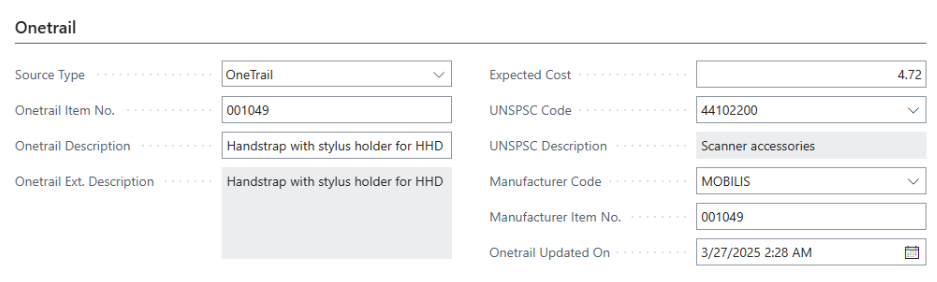
 Onetrail
View items
Various Onetrail fields are available on the item card.
View the item card
When items are created via Onetrail, Onetrail information is available in the Onetrail tab.
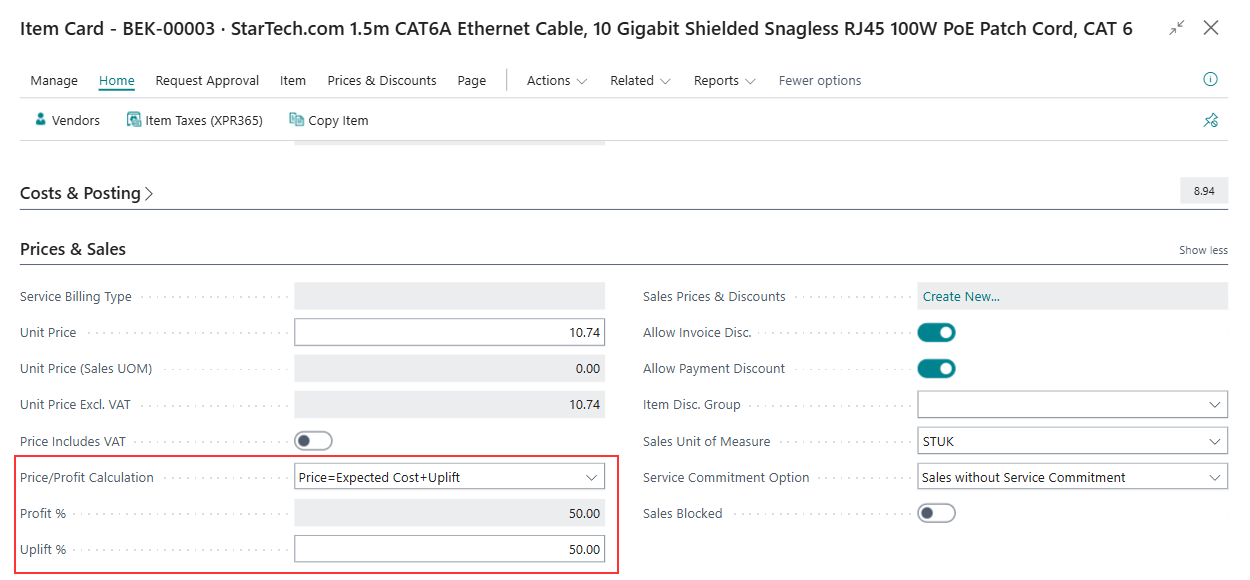
In the Prices & Sales tab, you can see the price calculation. Two additional options were provided in XPR365 OneTrail.
- Price = Expected Cost + Profit
- Price = Expected Cost + Uplift
Note
If Onetrail is used, the price from Onetrail will be used. Other set prices will not be taken into account.
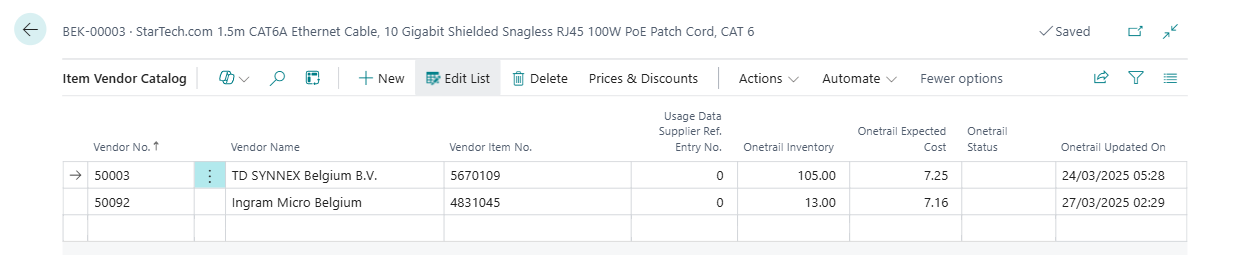
Go to the Vendors action to see which vendors offer this item. It is possible to add vendors manually.
Use the OneTrail Update Price & Availability action to update the expected cost and Onetrail inventory for this item at this moment. For more information how to do this automatically, see Create and update items. In the Onetrail Updated on field, you can see when the last change was made in Onetrail.
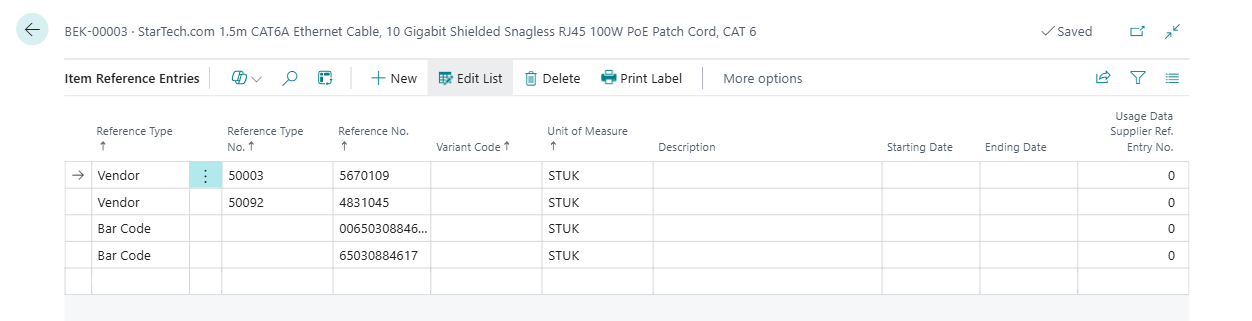
Go to the Item References action to see the vendors and the barcode retrieved from Onetrail. This is useful when items are scanned in the warehouse.
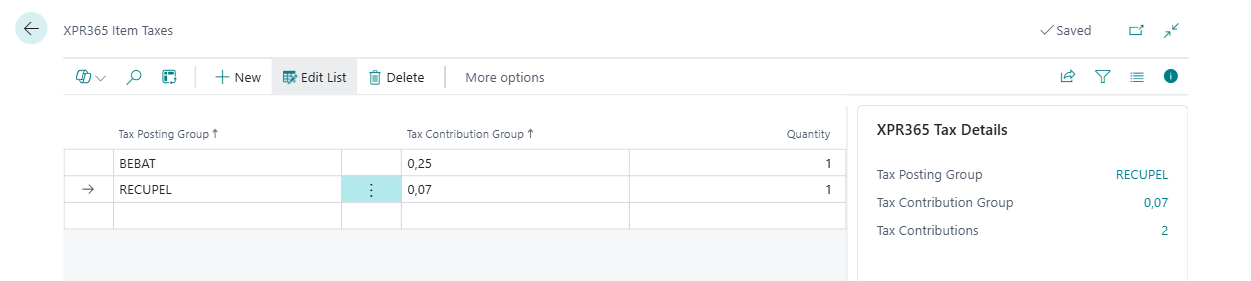
Go to the XPR365 Item Taxes to view the eco-taxes which are automatically retrieved from Onetrail.