 Billit
FAQ
Microsoft supports electronic invoicing in Business Central through the E-Document app, a standardized framework available across all localizations. In addition, xpr365 installed a specific connector to integrate with the Billit e-invoicing exchange service.
This FAQ answers some of the key questions about electronic invoicing.
FAQ Microsoft
Via Electronic Invoicing FAQ you can find a list of the frequently asked questions on Microsoft Learn.
Multiple companies
When you have multiple companies in your D365BC environment, you have two options:
- Create a Billit environment for each company by using Register Company. For more information, see Register a New Company.
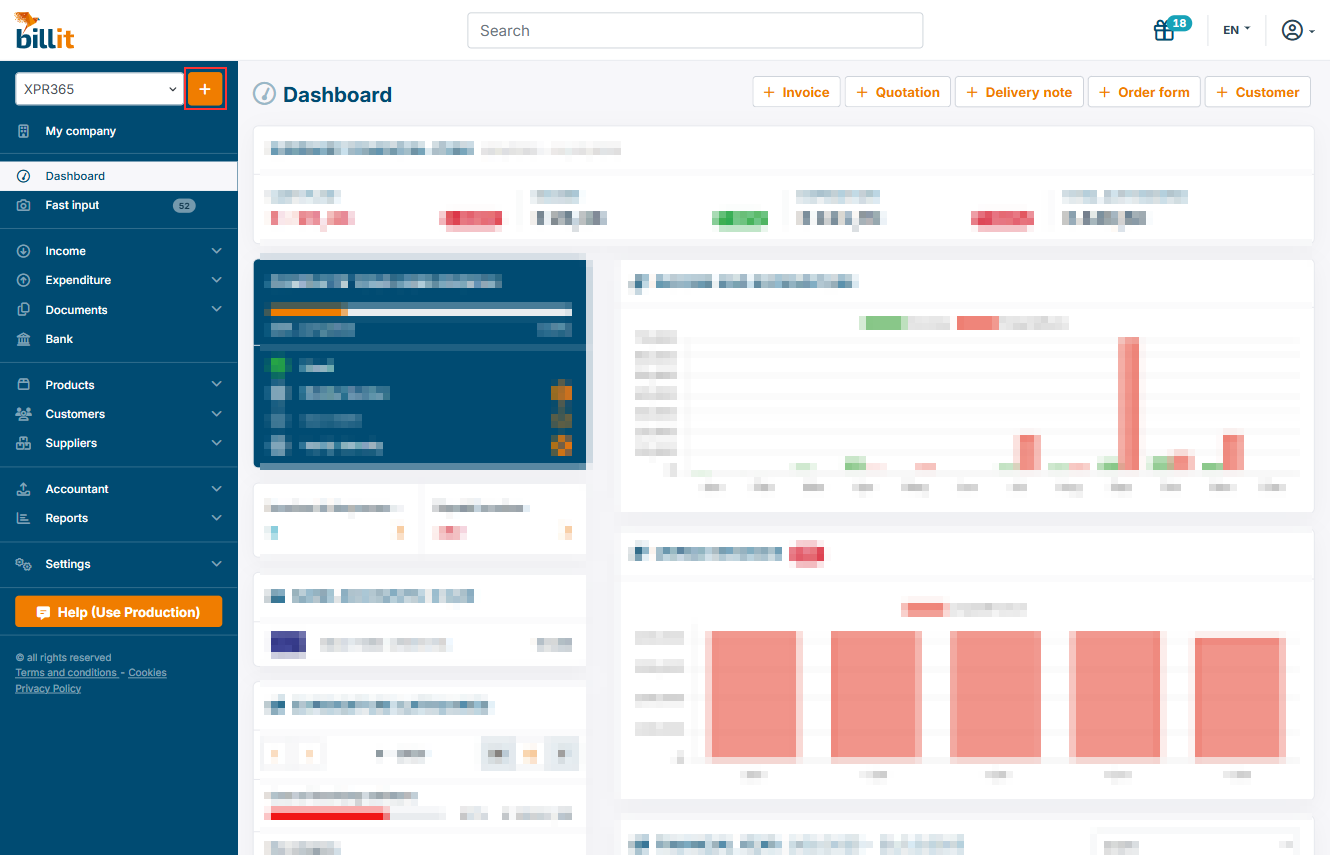
- Create all companies in one Billit environment. Create your first company in Billit by using Register Company. Create the other companies in Billit. Click the + icon next to your company name in the top left corner to create a new company.
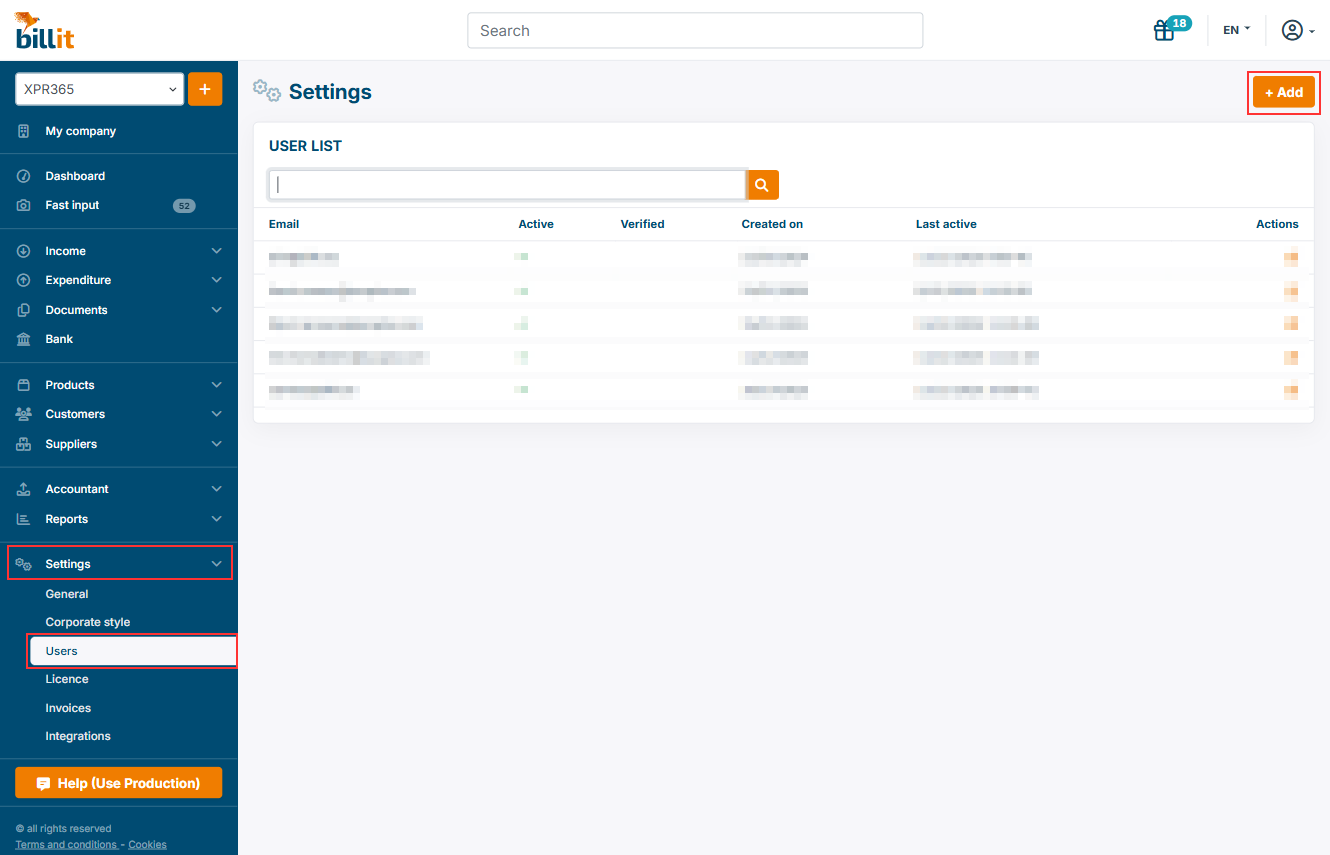
Add new users in Billit
You can add a new user to a file by clicking the tab 'Users' in the menu 'settings'. Click 'Add' in the top right corner.
For more information, see Add users.